Category, shelf & supplier-funded space
Decide what deserves space. Manage every metre.
Model the store, decide the range, build the planogram and keep permanent and supplier-funded space tied to the real fixture.
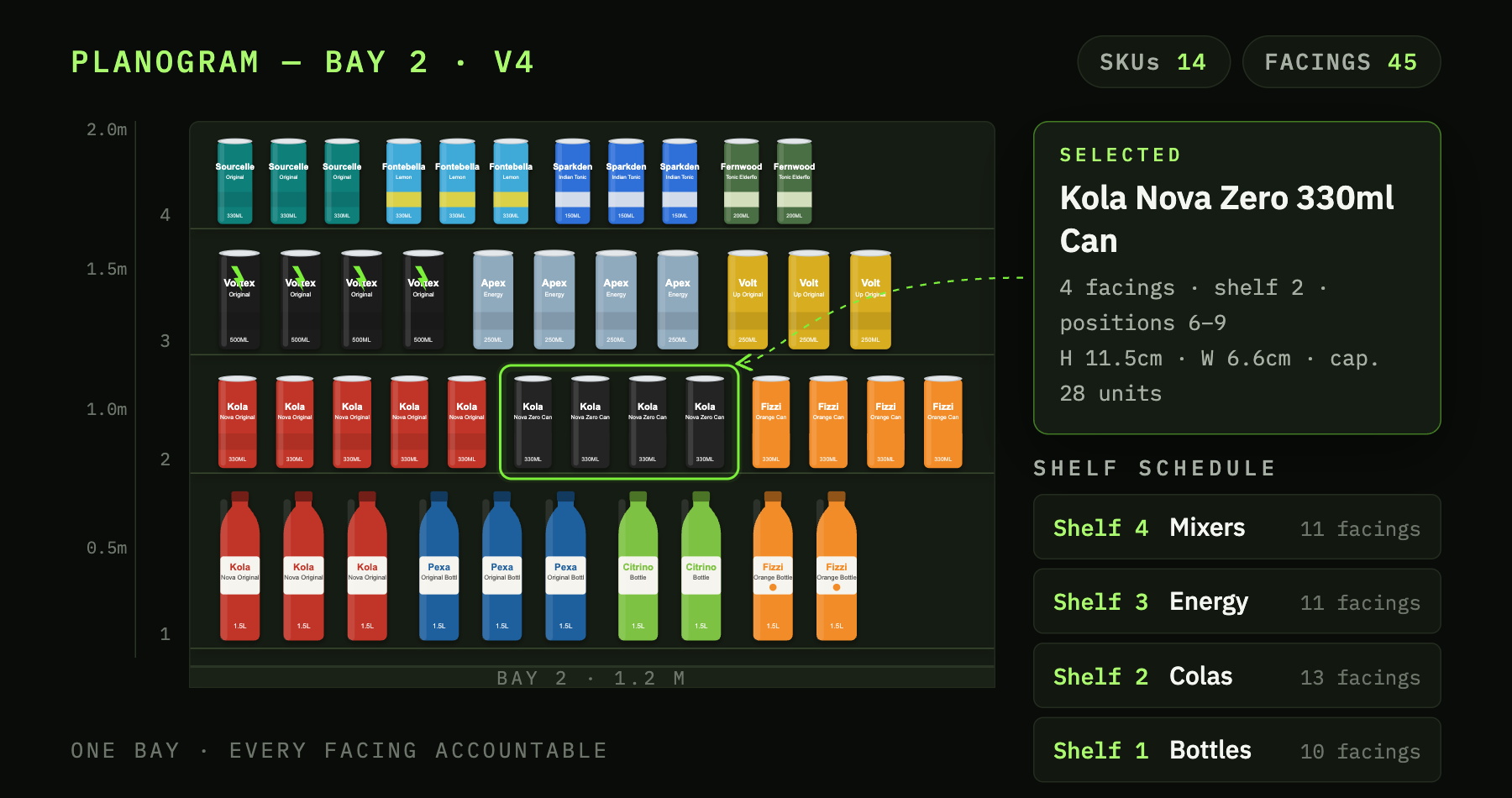
Range, permanent shelf and supplier-funded space become harder to control when each lives in a different tool, file or informal agreement.
Model the store, decide the range and make the space decision deployable.
ShelfGrid connects fixtures, floorplans, ranging, planograms and supplier-funded shelf spans to the physical location where the decision applies.
How it works
Model → range → plan → deploy.
Create reusable fixtures and place them into scaled store floorplans.
Define category or brand scope, score products and review store-cluster assortments.
Build planograms from approved ranges and allocate supplier-funded spans by supplier and period.
Render, approve and dispatch the shelf or funded-space decision to the relevant store.
Range and space decisions mapped to the physical store.
The current product supports the main structures needed to move from assortment into physical shelf planning.
- Visual fixture editor with reusable shelf and segment structures.
- Store floorplans with fixtures, walls, openings, columns and scale alignment.
- Ranging with category or brand scope, rules, sales scoring, clusters and approval.
- Versioned planograms with SKU placement, cloning, audit and PNG/PDF output.
- Promotional shelf spans and supplier/date bookings anchored to the fixture.
Continue

Bring a category, a fixture and a store format.
See how range and space decisions could move through ShelfGrid.