Field execution
Send the right work to the right store. See what came back.
Give each store or field user the location, plan, products, dates and instruction they need, then keep status, comments, photos, quantities or issues with the same piece of work.
A planogram, launch or store instruction loses accountability when it is split across chat, calls, screenshots and unlabelled photographs.
Keep the instruction, store context, owner and result together.
Current tasks and worklists keep ownership, planogram context, comments and status visible. The wider Market Actions model extends that foundation into QR-assisted access, structured observations, photographic evidence, SKU-level visit capture and corrective follow-up.
How it works
Instruction → stores → worklist → proof → review.
Create the plan, launch, corrective action or other management instruction.
Route it only to the locations or fixtures where it applies.
Give the responsible user the dates, priority, products and active plan or instruction.
Capture the status. Where required, add photographs, replenishment quantities or structured observations.
Compare the result with the intended instruction and keep any follow-up attached.
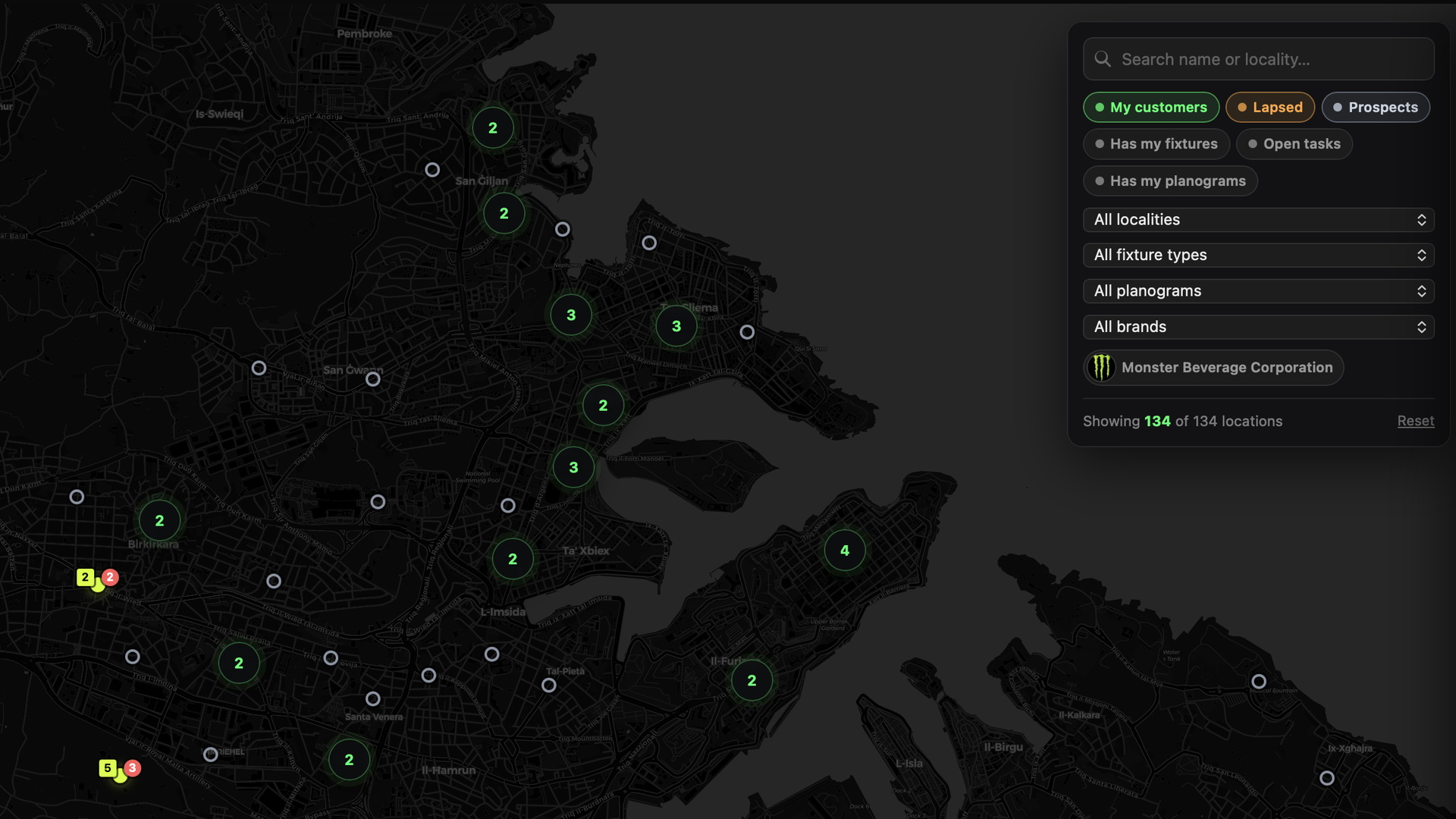
Assigned tasks with store and shelf detail in the record.
The live product supports store and field worklists, planogram context and task history for retailer and supplier-side execution.
- Create, assign and prioritise field visit tasks.
- Cancel, comment and retain task-status history.
- Admin views for overdue and open counts.
- Merchandiser “my tasks” worklist.
- Shop portal planogram tasks with shelf drawing, comments and product search.
Current product
Assign the work and retain its status.
Retailer store tasks and supplier field tasks provide focused worklists, ownership, priority, comments and history.
Extending / validating
Add richer evidence and structured field signals.
Market Actions, fixture- or QR-specific context, structured observations, photographic evidence, SKU-level replenishment capture and corrective follow-up are being developed from the current task foundation.
Continue
Bring a real instruction or field workflow.
See what context should travel with it, who should own it and what should come back.