Range, shelf & planogram planning
Create the shelf plan. Keep the right version active in market.
Build or adapt the range and planogram for a retailer, store or fixture, approve the active version and keep it connected to the field work that follows.
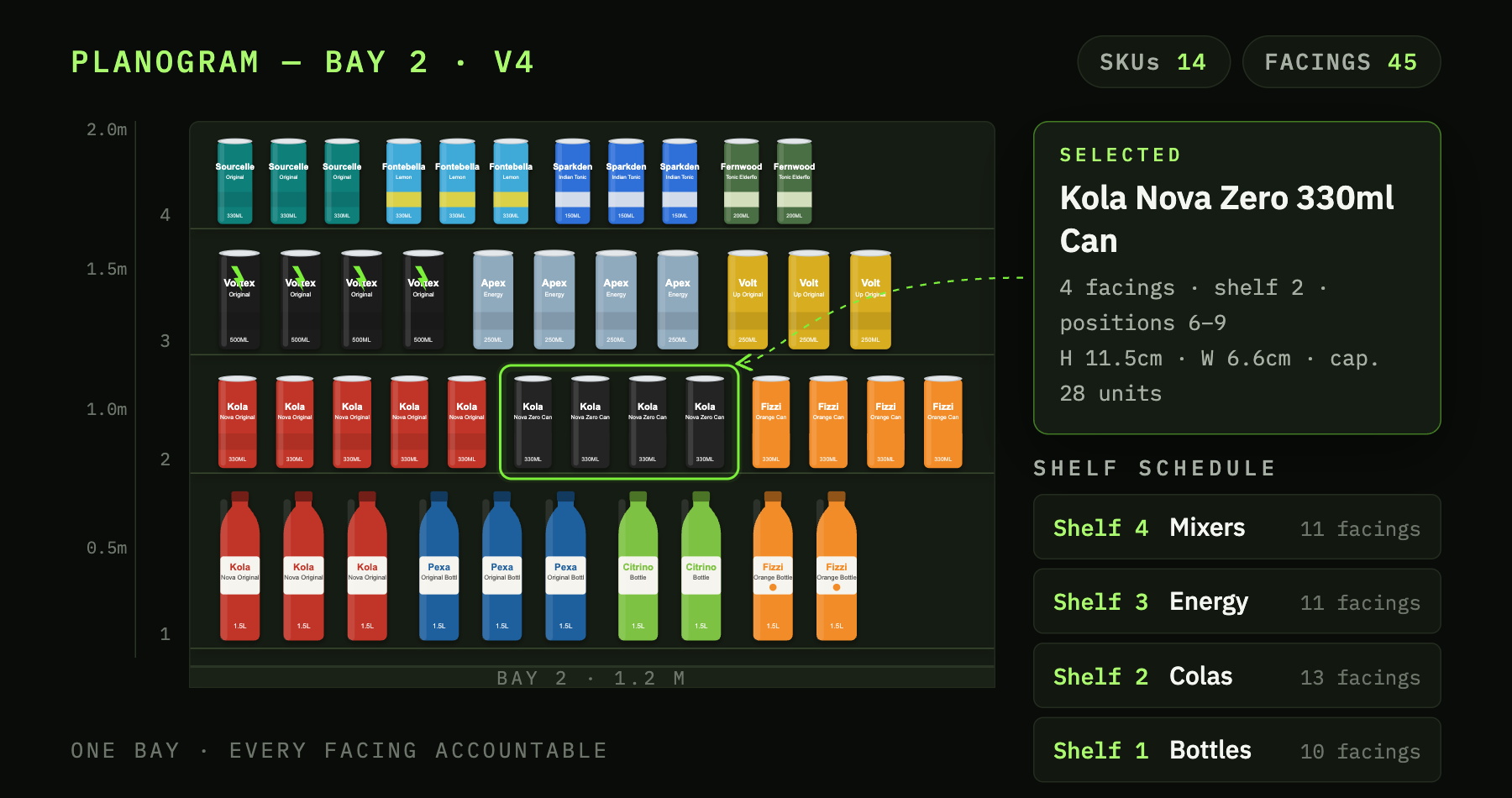
Once a planogram leaves the manager’s desk, versions can circulate and it becomes unclear which plan applies to which store or fixture.
Keep the range, planogram, location and task connected.
ShelfGrid ties the approved range and planogram to the store, fixture or managed space where it applies, then carries that same context into accountable field work.
How it works
Scope → create → approve → execute → review.
Select the retailer, stores, fixture or managed space and the period where the plan should apply.
Define the range and build or adapt the shelf using reusable fixtures and product-placement tools.
Version and approve the plan so the active standard is clear before it moves into the field.
Send the active plan into store-level work with its location, fixture, products and dates intact.
Use task status and history now; richer evidence and corrective follow-up are being extended from that foundation.
Planogram planning connected to store-level tasks.
Current capability links fixture modelling, ranging, versioned planograms, approval and store dispatch to planogram tasks, comments and status history.
- Visual fixture editor with reusable shelves, segments and starting templates.
- Ranges scoped by category or brand, with product roles, rules, facings, scoring and approval.
- Planograms started from a range, with live product placement, versions, variants, cloning and audit history.
- Change views, approval workflow and PNG or PDF output.
- Per-store dispatch into planogram tasks with comments and status history.
Independent distributor use
Use it across your own retailer network.
The retailer does not need to operate ShelfGrid. Connect your retailers and mapped locations to your own ranges, planograms and field tasks.
Where a retailer participates
Work only inside the scope the retailer has agreed.
A retailer may allocate a defined shelf block or share selected plans and approvals through controlled permissions. The retailer retains authority over its space and final approval.
Continue

Bring a real range, fixture and retailer workflow.
See how the plan can move from shelf planning into an approved version and accountable store work.